Each cooking step now shows the ingredients it uses
· New feature
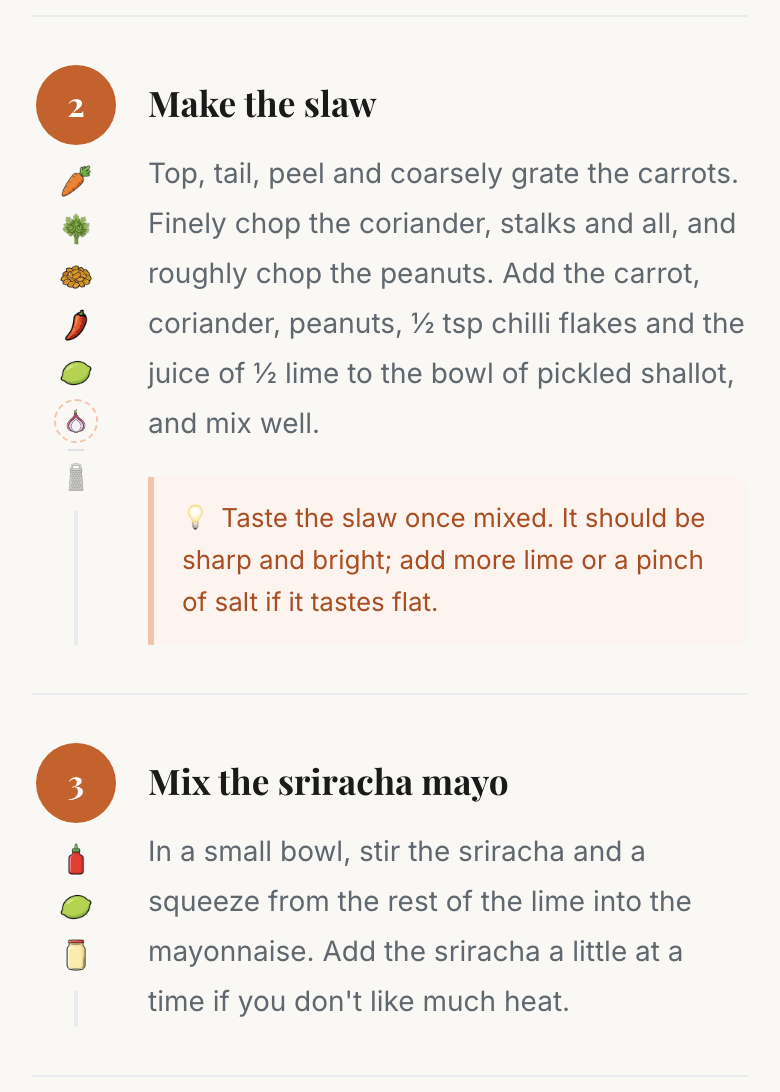
Each Prep and Cook step on the cook page now shows the ingredients and equipment it uses, as small icons under the step number. In Clock rail on a phone, the icons sit at the end of the step title.
Select an ingredient's icon to see how much this step needs and how much the recipe uses in all. The card also lists every step that uses it, with the amount each one takes.
The amounts in the step text now follow the serving size you pick, so 1 tbsp of oil for two becomes 2 tbsp for four. Previously only the ingredient list changed.
This comes with every account, on our recipes. Recipes you write in My recipes keep their plain text for now.
Questions or feedback: hello@kitchen-run.com